
SharePoint Interview Questions and Answers
SharePoint is a web-based collaboration and document management platform developed by Microsoft.
It is widely used by organizations to create intranets, team sites, and document management systems.
Preparing for a SharePoint Interview
If you are preparing for a SharePoint interview, here are some questions you may encounter.
SharePoint Administrator Interview Questions and Answers
As a SharePoint administrator, you will be responsible for managing the SharePoint environment, including installation, configuration, and maintenance. Here are some interview questions you may encounter:
What does a SharePoint administrator do?
1. A SharePoint administrator is responsible for the installation, configuration, and maintenance of SharePoint sites.
2. They manage user permissions and access requests.
3. An admin will have to troubleshoot issues
4. They will ensure that the platform is running smoothly.
What do you need to be a SharePoint administrator?
1. To become a SharePoint administrator, you need to have a strong understanding of SharePoint architecture.
2. The ability to troubleshoot technical issues.
3. You should also have experience with SharePoint creation, configuration, and maintenance.
SharePoint Interview Questions Explained
In the video at the top of this blog article I have discussed some of my favourite questions to ask in a SharePoint interview including:
What is the difference between a communication site and a team SharePoint site?
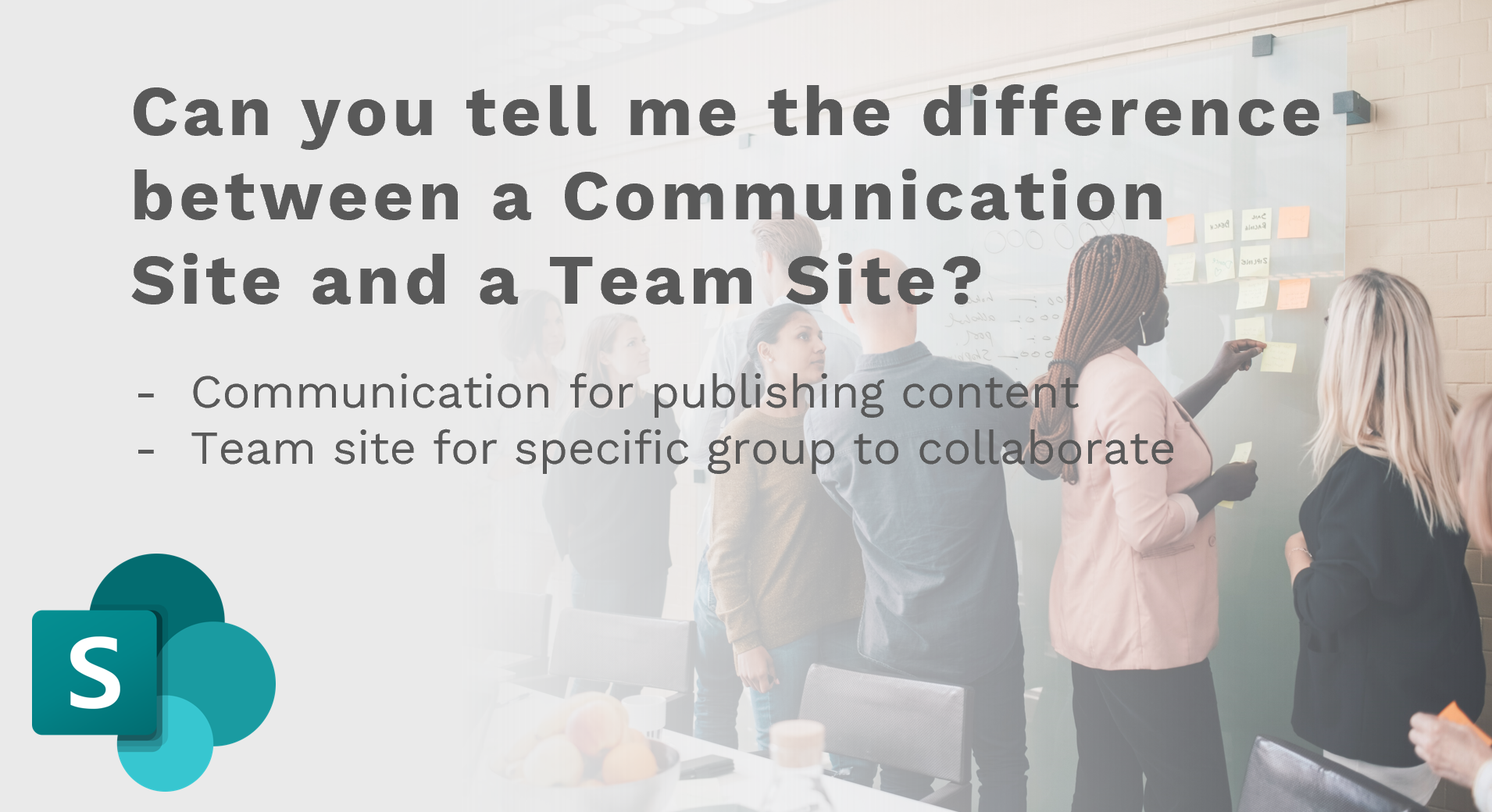
A communication site is designed for sharing information with a broad audience, while a team site is designed for collaboration within a specific group or team.
Communication sites typically include news and events, while team sites include shared documents, tasks, and calendars.
What are the benefits of using a SharePoint Hub Site?
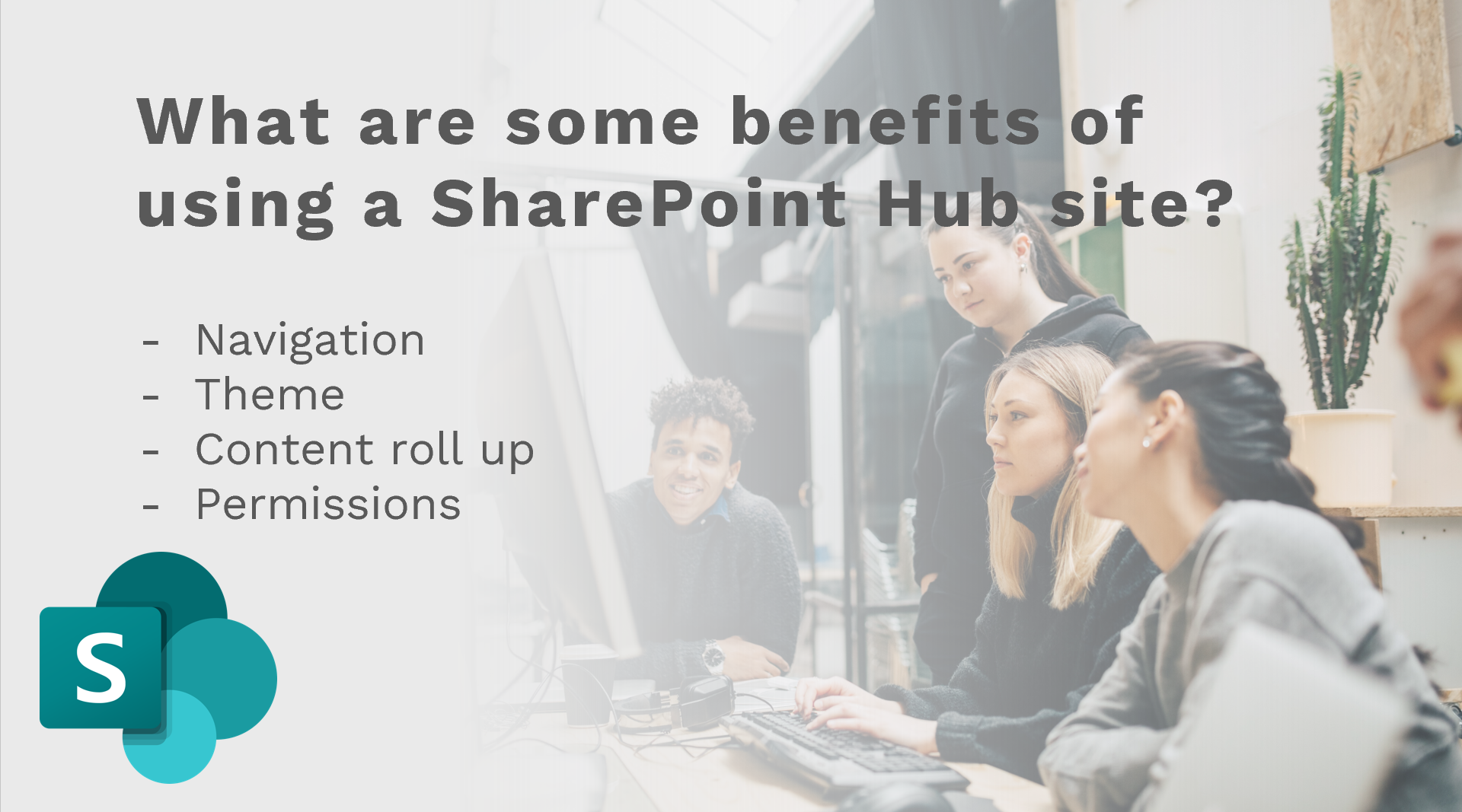
SharePoint Hub Sites allow users to organize and connect related sites within a SharePoint environment. This can help to improve navigation, search, and discovery of content within the platform.
How to plan for a SharePoint Migration?
Planning for a SharePoint migration involves identifying the goals and objectives of the migration, assessing the current environment, and developing a migration plan that addresses the technical and business requirements of the organization.
What is the difference between SharePoint, Microsoft Teams, and OneDrive?
SharePoint is a platform for creating and managing web-based collaboration and document management solutions.
Microsoft Teams is a chat-based collaboration platform that integrates with other Microsoft 365 apps, including SharePoint.
OneDrive is a cloud-based storage solution that allows users to store and share files and documents within SharePoint.
Can SharePoint be accessed externally?
SharePoint can be accessed externally by users who have been granted permission to do so.
However, organizations should ensure that appropriate security measures are in place to protect confidential information.
Is SharePoint a database?
SharePoint is not a database, but it can be used to store and manage data in lists and libraries.
What are the SharePoint administrator interview questions?
The administrator interview questions will typically focus on your technical knowledge of SharePoint, your experience with SharePoint administration, and your ability to troubleshoot issues.
Do you need HTML for SharePoint?
HTML is not required for SharePoint administration, but it can be helpful for customizing SharePoint sites.
What is Microsoft SharePoint Online?
Microsoft SharePoint Online is a cloud-based version of SharePoint that is part of the Microsoft 365 suite.
It allows users to create and manage SharePoint sites from anywhere with an internet connection.
What are the benefits of using SharePoint Online?
SharePoint Online offers a number of benefits, including easy access to SharePoint sites from anywhere with an internet connection, automatic updates, and improved security.
What are some of the challenges of managing SharePoint Online?
Some of the challenges of managing SharePoint Online include managing user permissions, dealing with integration issues with other Microsoft 365 apps, and managing storage.
PowerApps Interview Questions and Answers in SharePoint Online Interviews
It is now commonplace for SharePoint Developers to have at least a basic knowledge of the Microsoft Power Platform. Including Power Apps and Power Automate.
PowerApps is a Microsoft tool that allows users to create custom business applications. It can be integrated with SharePoint Online to create powerful workflows and custom forms.
Here are some interview questions you may encounter:
What is Power Apps?
PowerApps is a Microsoft tool that allows users to create custom business applications without the need for extensive coding. It can be integrated with SharePoint Online to create powerful workflows and custom forms.
What are some of the benefits of using PowerApps in SharePoint Online?
1. PowerApps can help to streamline business processes.
2. Power Automate can be used to automate workflows in SharePoint Online
3. Power Apps can and create custom forms that are specific to the needs of your organization.
What are some of the challenges of using PowerApps in SharePoint Online?
Some of the challenges of using PowerApps in SharePoint Online include the need for extensive customization, integration issues with other Microsoft 365 apps, and potential performance issues.
SharePoint Developer Interview Questions and Answers
As a SharePoint developer, you will be responsible for developing custom SharePoint solutions. Here are some interview questions you may encounter:
What is a SharePoint solution?
A SharePoint solution is a custom application that is developed specifically for the SharePoint platform. Talk about the difference between an out of the box solution and a custom solution.
Power Apps Pop Ups
In an interview I would often ask for a description of how to achieve something simple in Power Apps.
One of those tasks might be how to create a simple PowerApps are you sure pop-up message. Watch the video below to quickly see how to achieve this.
SharePoint Interview
The interview may include questions related to SharePoint administration, SharePoint Online, PowerApps, and SharePoint development. Here are some additional questions you may encounter:
What is Microsoft SharePoint? Microsoft SharePoint is a web-based collaboration and document management platform developed by Microsoft. It is widely used by organizations to create intranets, team sites, and document management systems.
What is SharePoint Online? SharePoint Online is a cloud-based version of SharePoint that is part of the Microsoft 365 suite. It allows users to create and manage SharePoint sites from anywhere with an internet connection.
What is SharePoint Planner? SharePoint Planner is a tool that allows users to create and manage project plans and tasks in SharePoint Online.
What is SharePoint Designer? SharePoint Designer is a tool that allows users to customize and design SharePoint sites and workflows.
What is SharePoint Office 365? SharePoint Office 365 is a subscription-based version of SharePoint that is part of the Microsoft 365 suite.
What is My SharePoint? My SharePoint is a personalized SharePoint site that displays content and links that are relevant to the user.
What is a SharePoint list? A SharePoint list is a collection of data that can be used for tracking, managing, and sharing information.
What is MS SharePoint? MS SharePoint is an abbreviation for Microsoft SharePoint.
What is OneDrive for SharePoint? OneDrive for SharePoint is a cloud-based storage solution that allows users to store, share, and collaborate on files and documents within SharePoint.
What is a SharePoint site? A SharePoint site is a web-based platform that allows users to create and manage content, collaborate with others, and share information.
What is a SharePoint intranet? A SharePoint intranet is a private network that is used to share information and collaborate within an organization
How to be remembered after you have been interviewed?
Knowing these SharePoint interview questions and answers before attending your interview will help you within the interview. However, you want to be remembered after the interview.
Top 5 tips for being successful in an interview
Do your research: Learn as much as you can about the organization and the position before the interview.
Practice your answers: Prepare for common interview questions and practice your responses.
Dress appropriately: Dress professionally and make a good first impression.
Be confident: Show confidence in your skills and abilities, but also be honest about your limitations.
5. Ask questions: Show your interest in the position by asking thoughtful questions about the organization and the job responsibilities.
To be remembered after an interview, it is important to follow up with a thank you note or email, and to highlight your qualifications and skills that are relevant to the position.
In conclusion, SharePoint is a complex and versatile platform that is widely used by organizations of all sizes to manage and share information. #
Whether you are looking to become a SharePoint administrator, developer, or power user, it is important to have a strong understanding of the platform and the skills and experience necessary to succeed in your role.
By familiarizing yourself with common SharePoint interview questions and answers, you can prepare for your next interview and increase your chances of landing the job you want. Good luck!